
Age of Wonders 4 Crossplay: PC, PS5, and Xbox Guide
Age of Wonders 4 crossplay connects PC, PS5, and Xbox Series X|S players. Learn how to enable it, plan co-op sessions, and handle DLC and mod restrictions.
Jump to
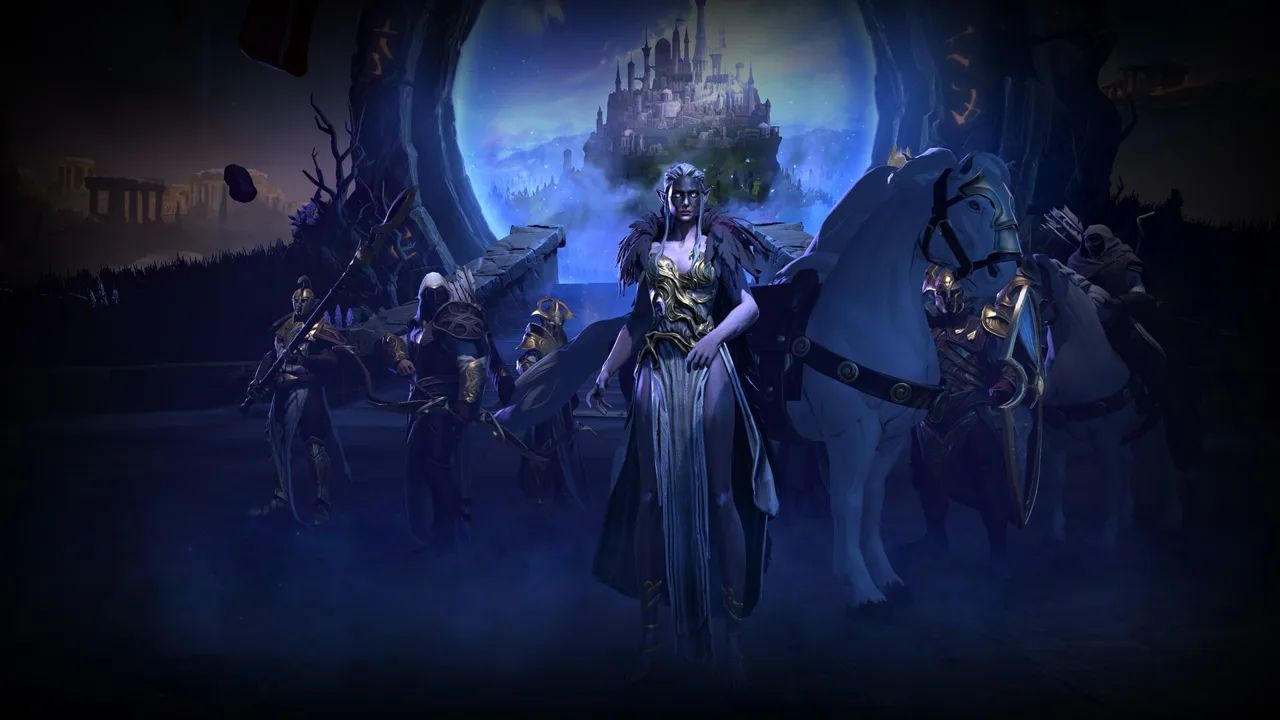
Does Age of Wonders 4 Support Crossplay?
Your friends can bring different hardware to the same fantasy realm. Age of Wonders 4 crossplay supports Windows PC, PlayStation 5, and Xbox Series X|S, letting your group play together across those platforms. Enable Cross Play in Online settings so crossplay sessions appear before you settle on your factions.
On PC, supported storefronts include Steam, GOG, Epic, and Microsoft Store. A Steam player can therefore join friends on PS5 or Xbox Series X|S without everyone buying the same platform version.
The Watcher update introduced this cross-platform support. Older discussions from March and April 2023 concern plans before release, so they predate the feature’s arrival.
Official page: Age of Wonders 4 (paradoxinteractive.com)
How to Enable Cross-Platform Multiplayer
The setting to look for is Cross Play, located in Online settings. Enable it to make crossplay sessions visible.
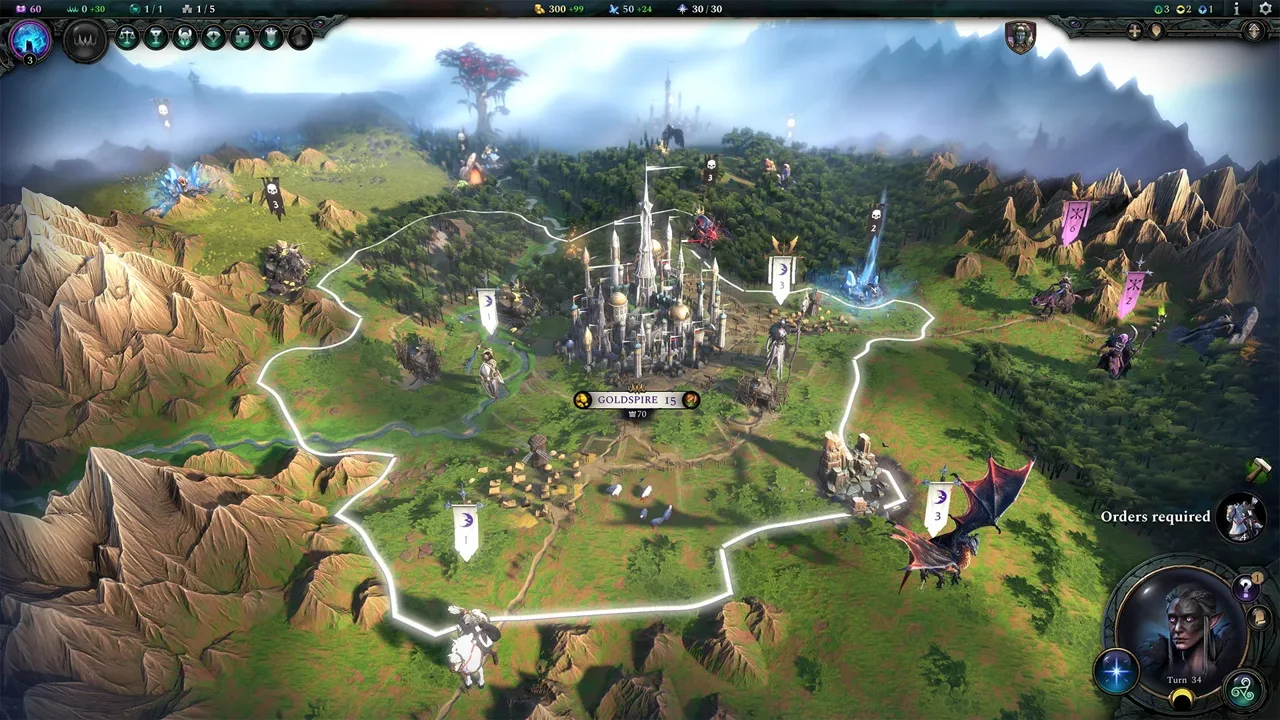 Image: www.paradoxinteractive.com
Before organizing a mixed-platform game:
- Have everyone enable Cross Play in Online settings.
- Plan an unmodded session, following the Watcher update’s crossplay restrictions.
- Choose whether your group wants cooperative teams or competitive multiplayer.
- Agree on how much time to reserve for the campaign.
Cross-platform support applies to online multiplayer. Local PC hotseat is a separate way to play: players take turns on the same computer. It does not provide simultaneous split-screen play.
Mods and Achievement Restrictions
The August 2023 Watcher update introduced two restrictions alongside cross-platform multiplayer: mods disable crossplay, and crossplay-enabled sessions do not award achievements or trophies.
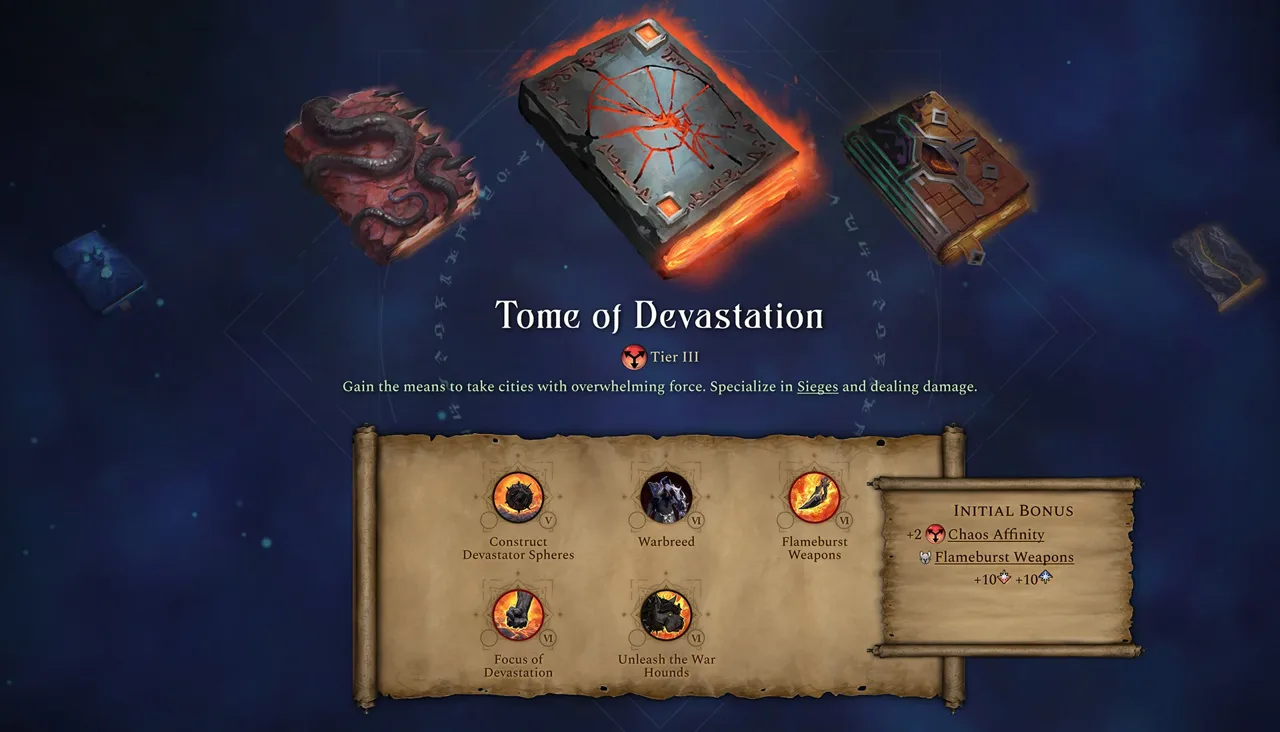 Image: www.paradoxinteractive.com
For a group mixing PC and consoles, leave mods out of the session setup. Steam Workshop support does not override that crossplay restriction.
If achievement hunting is your goal, keep the Watcher restriction in mind before starting a lengthy campaign. Simply owning a version with achievement support does not make a crossplay-enabled session eligible for those rewards.
Playing Co-op and Sharing Host DLC
Multiplayer matches include team settings that allow rulers to cooperate toward victory. You still lead your own faction, managing its expansion and tactical battles while coordinating with your allies.
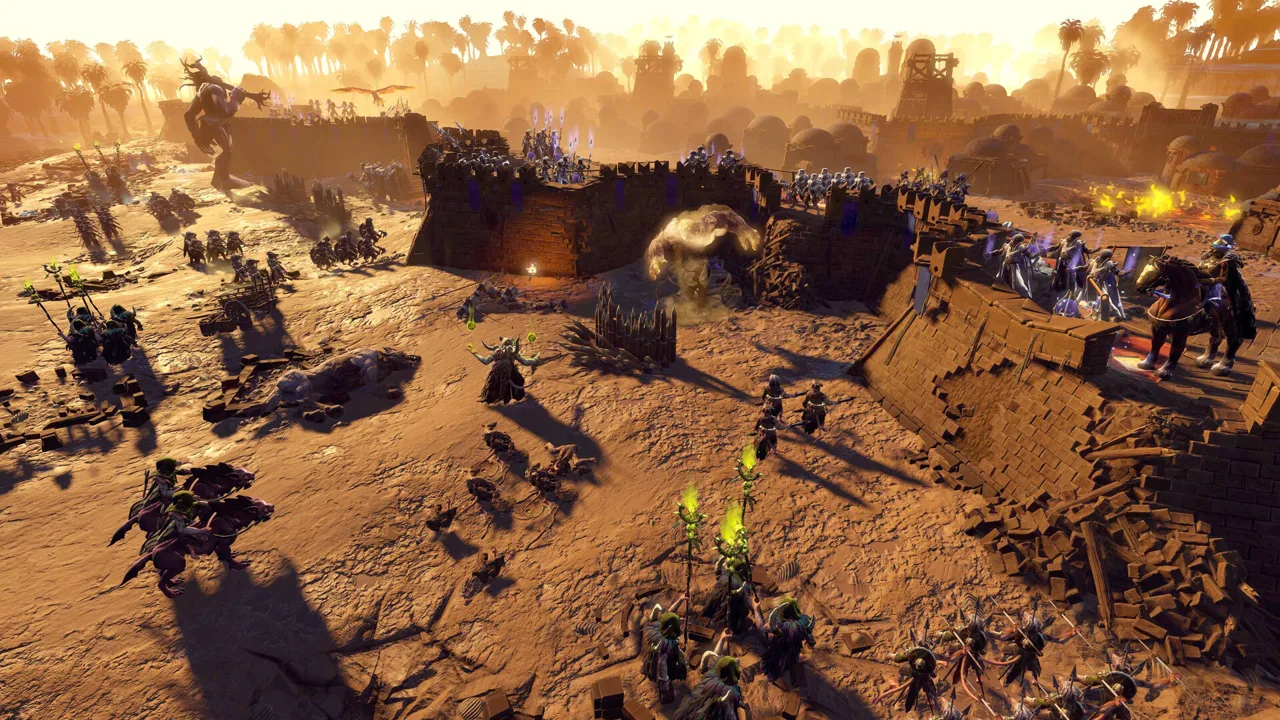 Image: Steam / Triumph Studios
The free Sprite update adds two team structures with different diplomatic rules:
- Alliance teams: Members can leave the team.
- Overlords teams: One ruler controls diplomacy, and vassals need permission to leave.
Choose Alliance teams if your group wants members to retain the freedom to depart. Choose Overlords teams if you want one ruler handling diplomacy for the group.
The host also matters when choosing expansion content. Under the multiplayer DLC-sharing rules, the host’s owned content determines what the group can use, including DLC faction options. Guests do not all need to own the same expansions for that session.
Have the player who owns the DLC your group wants host the game. Decide that before planning factions around expansion-specific options.
Plan for Long Sessions and Tactical Battles
Expect a substantial time commitment. Multiplayer campaigns can last 120+ minutes, and matches can be saved and resumed over several days.
Tactical combat creates a practical pacing decision. Fighting battles manually takes time, while auto-resolve gives you less control over how units are used and can cost troops you hoped to preserve. Agree on battle expectations before starting competitive play, where those losses matter.
Battles range from skirmishes with roaming monsters to large sieges with dozens of units on each side, and combat includes a morale system.
Keep your initial group small if scheduling is difficult. More participants across different time zones make it harder to maintain a steady turn cadence, especially when everyone needs to coordinate another live session.
Set a stopping time and arrange the next session before signing off. A shared campaign is easier to sustain when the group knows when its rulers will return.
Continue with
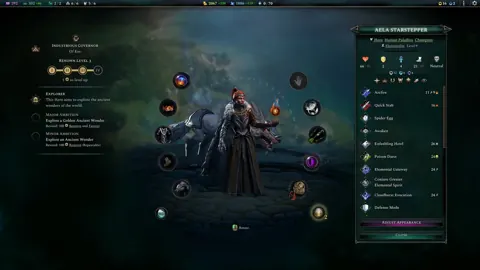 Age of Wonders 4 Multiplayer: Turns, Co-Op, and ModsExplore Age of Wonders 4 multiplayer, from co-op and PvP to turn modes, mod restrictions, and ways to plan a campaign that fits your group's schedule.
More in Community
Age of Wonders 4 Reddit: Builds, Tips, and Patch Help
Explore Age of Wonders 4 reddit for faction ideas, economy tips, and build discussions. Learn how to ask useful questions and avoid outdated patch advice.
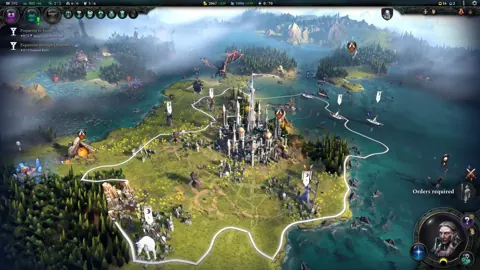
Age of Wonders 4 Steam: Editions, Mods, and PC Specs
Explore Age of Wonders 4 Steam features, compare editions, check PC requirements, and learn how multiplayer, Workshop mods, and game updates fit together.
Continue exploring

Join the community
Official channels for news, updates and player help: