
Age of Wonders 4 Desync: Tips for Smoother Multiplayer
Troubleshoot Age of Wonders 4 desync with practical tips for PC and PS5 multiplayer, fewer alt-tabs, and asynchronous turns that keep your campaign moving.
Jump to
What Can You Do About Multiplayer Desync?
Age of Wonders 4 desync can turn a campaign with friends into repeated interruptions. Try keeping the PC game in focus during other players’ turns, or use asynchronous multiplayer without overlapping logins. These adjustments target different ways of playing, so start with the one that fits your group.
In June 2025, a seven-player group went from playing without desyncs to experiencing them every turn after a small patch. Reducing the number of players did not resolve that group’s trouble.
Live multiplayer had persistent trouble in June and July 2025, including sessions involving just two players on the same wired network. Playing without mods also did not eliminate the problem for everyone. Avoid assuming that your group must have an unstable connection or a mismatched mod setup simply because synchronization breaks.
The Silver Seas and Manta Update arrived on November 3, 2026. The Manta Update Patch Notes announcement was dated October 30, 2026. Keep those release dates in mind when comparing a current session with the June–July 2025 problems or July 2026 cross-platform experiences.
Official page: Age of Wonders 4 (paradoxinteractive.com)
On PC, Try Staying in the Game During Friends’ Turns
Keep the game in the foreground instead of switching to another application while someone else takes a turn.
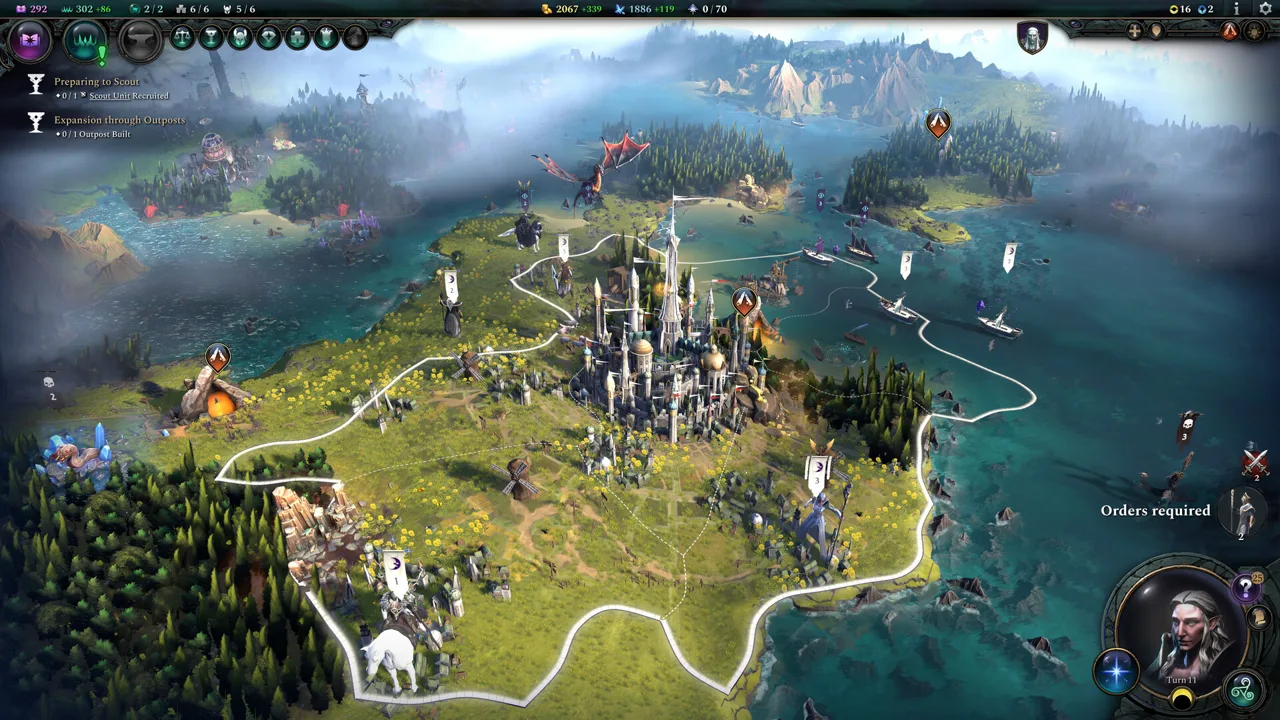 Image: Steam / Triumph Studios
Avoiding alt-tab is a specific troubleshooting experiment drawn from PC multiplayer experiences in July 2026. Use it to see whether your own session becomes more reliable; it is not a guaranteed repair.
For your next live session:
- Leave the game in focus during your friends’ turns.
- Ask the other PC players to try the same adjustment.
- Notice whether interruptions cluster around switching applications or happen while everyone remains in the game.
That distinction gives your group something concrete to compare. If synchronization still breaks without anyone switching away, move on rather than repeatedly testing the same adjustment.
Should PS5 Players Switch to PC?
Switching to PC does not put you on a platform with a desync-free history. PC multiplayer has experienced synchronization problems too, including two-player sessions on a wired network. Try the foreground adjustment above with your group’s PC players before considering a platform change.
 Image: Steam / Triumph Studios
Mixed PS5 and PC groups were still experiencing interruptions in July 2026. That gives cross-platform players a reason to test their current setup carefully, but it does not make cross-play the explanation for every failure.
The July 6, 2026 case involved four players: two on PS5 and two on PC. That setup put both platforms in the same campaign, with repeated desyncs interrupting the group’s multiplayer sessions.
Age of Wonders 4 includes these multiplayer options:
| Multiplayer feature | Supported |
|---|---|
| Online Co-op | Yes |
| Online PvP | Yes |
| Cross-Platform Multiplayer | Yes |
In a laptop-and-PS5 session played in the same room on the same Wi-Fi, battle notifications and world events reached the laptop player first. When comparing your devices, note the order of those announcements alongside any synchronization interruptions.
Try Asynchronous Turns Without Overlapping Logins
If live sessions keep interrupting your campaign, try asynchronous multiplayer, often called PBEM. The useful adjustment is to take turns separately instead of having everyone remain active together.
 Image: www.paradoxinteractive.com
Use this sequence:
- Log in when you are ready to take your turn.
- Complete your turn.
- Log out before the next player logs in.
The July 2025 guidance for PBEM identified combat and simultaneous activity as situations where synchronization trouble could still occur. Taking separate turns therefore addresses one specific complication; it does not remove every possible interruption.
Avoid rushing resignations in PBEM; quick player resignations were another trouble spot in June 2025, even for games that were otherwise mostly stable.
Choose this format if your group can enjoy a campaign without sharing the whole session in real time. For friends who primarily want to keep an empire-building game moving between different schedules, logging in, taking a turn, and leaving gives you a practical alternative to another disrupted live evening.
Continue exploring
Age of Wonders 4 Reddit: Builds, Tips, and Patch Help
Explore Age of Wonders 4 reddit for faction ideas, economy tips, and build discussions. Learn how to ask useful questions and avoid outdated patch advice.
Age of Wonders 4 Story Realms: Campaign Order & Tips
Explore Age of Wonders 4 story realms in campaign order, learn how unlocks work, and prepare for unique map rules across the base game and DLC adventures.
Join the community
Official channels for news, updates and player help: